Skip headerimage
ManualsContentsPreviousNextHelp

Adjusting Image

Erase Border

Erases the edge margin of the original image.

See Erase Border (same width) and Erase Border (different width)
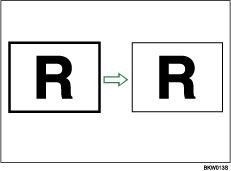
Illustration of Erase Border

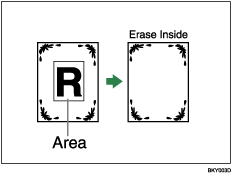
Erase Inside

Copies the original while erasing a specified area.

See Erase Inside

Illustration of Erase Inside

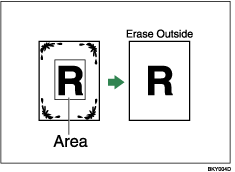
Erase Outside

Copies the original while erasing outside a specified area.

See Erase Outside

Illustration of Erase Outside

Margin Adjustment

When Synchro Cut is selected, you can create a margin on the copy's leading and trailing edge.

See Margin Adjustment.
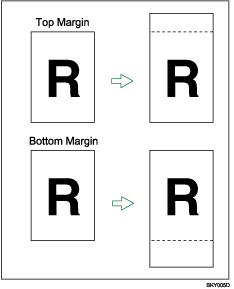
Illustration of Margin Adjustment

Adjust Print Position

Moves (shifts) the copy image up, down, left, or right to create a margin.
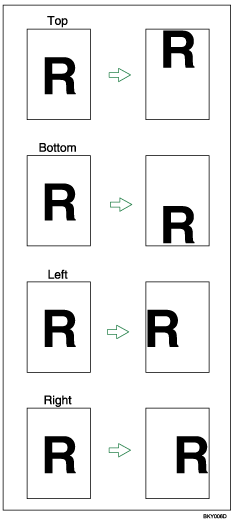
See Adjust Print Position.

Illustration of Adjust Print Position

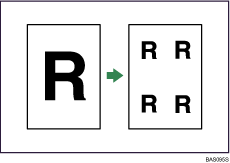
Image Repeat

Repeatedly copies the entire image.

See Image Repeat.

Illustration of Image Repeat

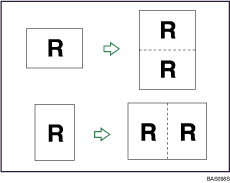
Double Copies

One original image is copied twice on one sheet.

See Double Copies.

Illustration of Double Copies

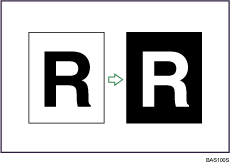
Positive/Negative

Copies an image inverted.

See Positive/Negative.

Illustration of Positive/Negative

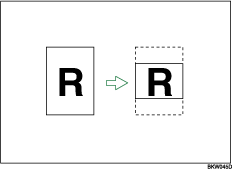
Partial Copy

Copies only a specified portion of the original.

See Partial Copy.

Illustration of Partial Copy

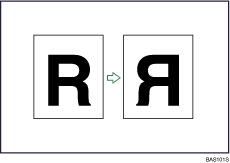
Mirror Image

Copies by reversing the image from left to right, as reflected in a mirror.

See Mirror Image.

Illustration of Mirror Image

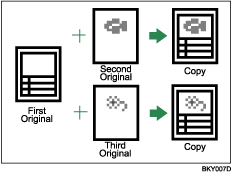
Format Overlay

Combines two images onto one copy.

See Format Overlay.

Illustration of Format Overlay