
Skip header
 

Removing Jammed Paper

An error message appears if a paper misfeed occurs. The error message indicates where the misfeed occurs.

Check the location and remove the paper.

CAUTION


  • Some of this machine's internal components get very hot. For this reason, take care when removing misfed paper. Not doing so could result in burns.


  • When removing jammed paper, make sure not to trap or injure your fingers.


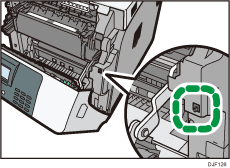
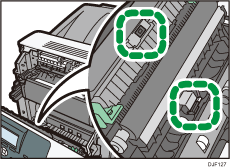
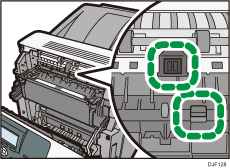
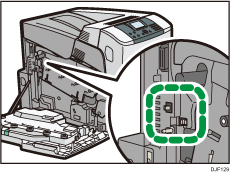
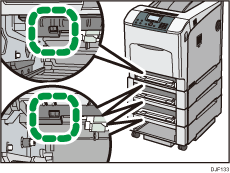
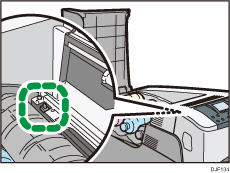
  • Some of this machine's components get damaged on contact. Do not touch the sensors, connectors, LEDs, or other fragile parts that are shown in this manual when removing jammed paper. Otherwise, a malfunction might occur.

Location of Connectors

Printer illustration

Printer illustration

Printer illustration

Printer illustration

Printer illustration

Printer illustration

Important

  • To prevent misfeeds, do not leave any torn scraps of paper inside the printer.

  • Contact your service representative if misfeeds occur frequently.

  • If the error message remains displayed even after you remove misfed paper, open and close the front cover.