


 Previous
To draw new lines on the screen that has no space for them, save the drawings on the screen and display a new one. In addition, you can capture the computer's screen so that drawings or images on the computer's screen can be displayed. New screens and captured screens are called "pages".
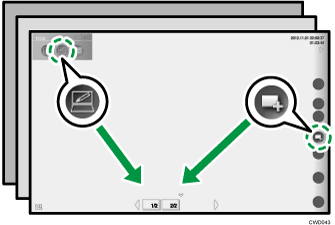
You can switch between pages on the screen at any time and draw and edit on a new screen.
To switch between the pages, touch the icon of the page you want to display in the page area. For details about icons in the page area, see Page Area Icons .
.


