
 Previous
To erase writing information from the screen, select  the Eraser icon. Once the icon is selected, the scrolls that are crossed by the pen on the screen will be deleted. All strokes of lines on a page can be erased together.
Erase written information from the screen is as follows:
 Touch
Touch  , the Select / Delete icon with the pen nib.
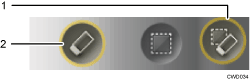
Select / Delete icon
Eraser icon
 Touch , the Eraser icon with the pen nib.
To erase all strokes from the screen, touch [Erase All].
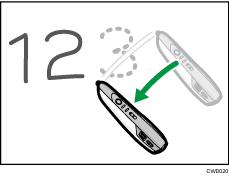
 Move the pen over the stroke you want to erase.