Printing Characters and Watermarks
You can print preset text such as "CONFIDENTIAL" or "URGENT" on a document.
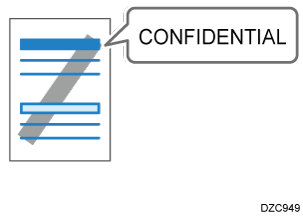
Configure the print setting on the [Text/Watermark] tab.
-
Open a document to print on the computer, and display the setting screen of the printer driver from the print menu in the application.
-
Specify Document Size, Paper Type, Orientation and others.
Basic Procedure for Printing Documents -
On the [Text/Watermark] tab, select the [Print Watermark] check box and specify the details of the watermark.
Configure the following setting:-
Watermarks: Select a stamp to print.
CONFIDENTIAL
URGENT
DRAFT
ORIGINAL
COPY
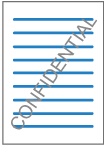
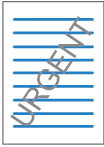
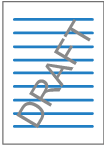
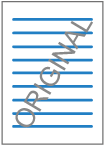
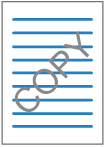
To edit a watermark, click the detail settings button. Change the text or style of a watermark and add it as a new watermark or overwrite the existing watermark. You can select the added or edited watermark from the [Watermarks:] list the next time you open the setting screen.
-
-
After completing the configuration, click [OK] to print.
Configure the settings on the [Effects] menu in "Feature Sets" of [Printer Features].
-
Open a document to print on the computer, and display the setting screen of the printer driver from the print menu in the application.
-
Specify Paper Size, Orientation, Paper Type, and other settings.
Basic Procedure for Printing Documents -
On [Effects] of "Feature Sets", set "Watermark" to [On] and specify the contents and style of the Watermark.
Configure the following setting:-
Watermark Text: Select a Watermark to print.
CONFIDENTIAL
COPY
DRAFT
FINAL
FILE COPY
PROOF
TOP SECRET
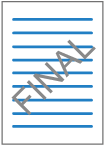
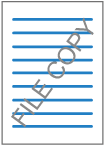
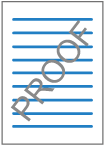
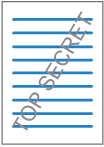
-
-
After completing the configuration, click [Print] to print.