Stack
Groups together copies of each page in a multi-page original.
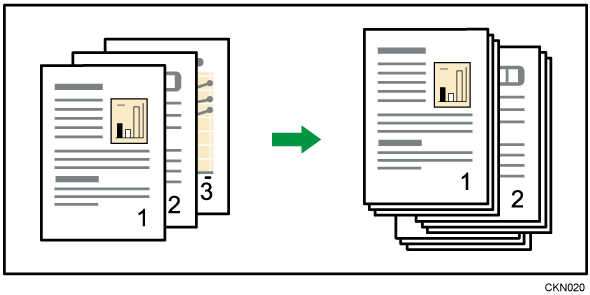
If a finisher or the internal shift tray is attached, each time the copies of one page are delivered, the next copy is shifted when delivered so you can separate each job by page.
Press [Finishing].

Press [Finisher].
Press [Stack].

Press [OK].
Enter the number of copies with the number keys.
Place the originals, and then press [Start].

For details about paper sizes and orientations that can be shifted when delivered to the shift tray, see User Guide of your device.