




 Previous
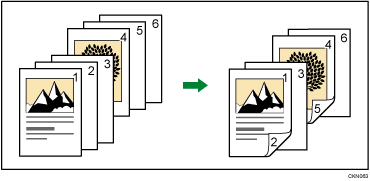
The page locations you specify with this function will appear on the front of copy sheets.
This function can be used only when you use the 1 Sided  2 Sided or Combine function. Press [Dup./ Combine/ Series] and then select [1 Sided 2 Sided] or [Combine].
 Press [Cover/ Slip Sheet].
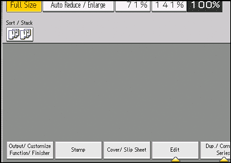
 Press [Designate / Chapter].
 Press [Chapter].
 Press the key to select the chapter number.
To select chapters 21 to 40, press [21–40].
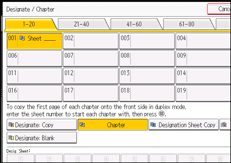
 Enter the page location of the first page of the chapter with the number keys, and then press the [
 ] key.
Up to 100 locations can be specified.
 To specify another page location, repeat steps 4 to 5.
 Select the main sheet tray that contains the paper to copy the originals.
 Press [OK] twice.


