




 Previous
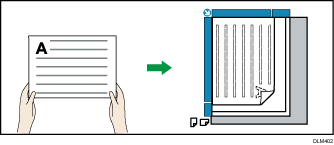
If the original cannot be placed in a readable direction (e.g. A4 or 81/2 × 11), rotate it 90 degrees and place it in an unreadable direction.
Placing the original on the exposure glass
Placing the original in the ADF
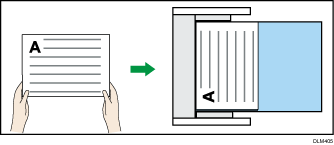
When scanning an A4 or letter-size (81/2" × 11")original, be sure to check "Readable Direction" or "Unreadable Direction". If the setting is incorrect, functions such as "Duplex Copy" and "Combine" cannot be used properly. If this is the case, specify the original orientation to "Unreadable Direction". The default of the original orientation is "Readable Direction".
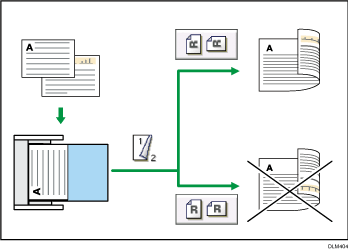
 When Using the Copy Application
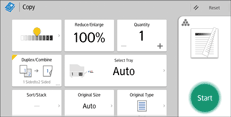
About how to use the application's screen, see "[Copy] Screen", Getting Started.
 When Using the Copier (Classic) Application
For details about how to use the Classic Copier function, see Procedure for Original Orientation (Classic).


