
 Previous
To directly access the advanced settings for custom paper adjustment, you must first configure your machine's Administrator Authentication Management setting. See Displaying the [Adjustment Settings for Skilled Operators] Button.
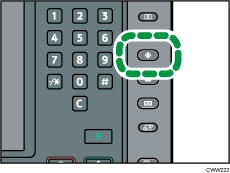
 Press the [User Tools] key.
 Press [Login].
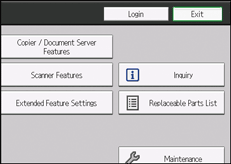
 Press [Login].
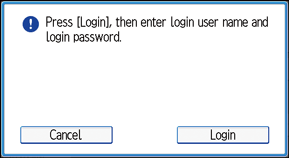
 Enter your login user name, and then press [OK].
If you are logging in as the administrator for the first time, enter "admin".
 Enter your login password, and then press [OK].
 Press the [Paper Setting] key.
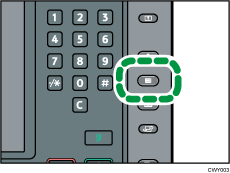
 Press [Edit Custom Paper].
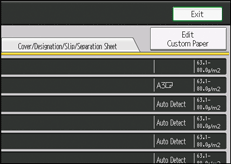
 Select the program number of the custom paper profile you wish to adjust.
 Press [
 Next].
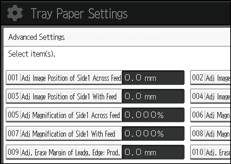
 Press [Change] for "Advanced Settings".
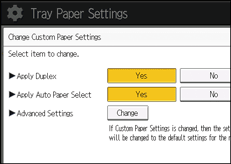
The advanced settings for custom paper adjustment appear.