




 Previous
When the Mute Others function is being used, the message "All participants are muted" is displayed on the screen of the muted contacts, and audio input from their microphones is disabled.
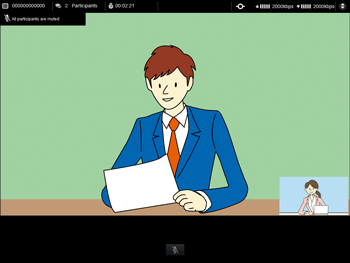
A contact that has been muted can speak by unmuting the product that is being used.
 Press the Mute key.

The Mute indicator turns off to indicate that mute has been cancelled.
When the mute is canceled, the message displayed on the screen changes to "All participants except the current speaker are muted / Please mute your line after you finish speaking". When you have finished speaking, manually mute the microphone again.
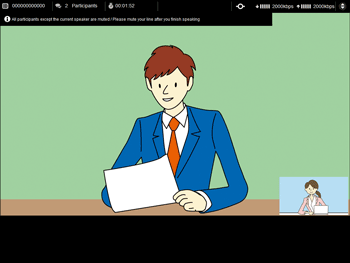

If the Mute Others function is performed again after mute is canceled, microphones are muted.
If the Mute Others function is being used when using an external microphone speaker, you cannot cancel the mute with the external microphone speaker. To cancel the mute, unmute the device itself.
When you mute the microphone using the external microphone speaker, cancel the mute with the external microphone speaker.
Even if a contact that has performed the Mute Others function leaves the meeting, the mute is effective until all the participants leave the meeting and the meeting ends.


