Previous
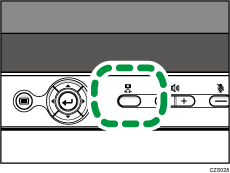
You can change the display of the camera by pressing the [Camera] key.
Each time you press the [Camera] key, the display is changed in the following order.
Wide

Zoom

Video OFF
Turns off the display of the camera.
Change the display of the camera depends on the environment or shooting target.
 Press the [Camera] key to change the display.