Top Page > Copy/ Document Server > Basic Copying > Copying from the Multi Bypass Tray (Tray 7) > Copying onto Custom Size Paper from the Multi Bypass Tray (Tray 7) > Recalling the registered custom size
This procedure allows you to recall the settings that have been registered for a custom size paper.
 Press [Tray 7].
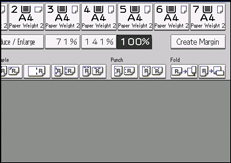
 Press [Paper Size].
 Press [Program Custom Size].
 Press [Recall].
 Press [OK] twice.



 Previous


