


 Previous
You can operate the screen projected from the computer by touching it with the pen nib. You may also touch the pen nib twice on the same point on the screen as if to double-click of a mouse.

Operate the electronic pen so that the pen nib does not point toward a shadowed area.
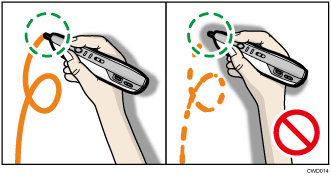
When the projector is hung from the ceiling, hold the electronic pen upside down to eliminate the shadow that appears on the screen.
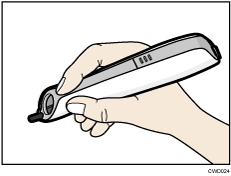
To align the point position with the pen nib switch while holding the electronic pen upside down, use the point adjustment button to move the point position down.
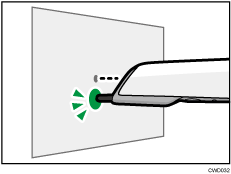
Operating the Electronic Pen Remotely
You can also operate the screen remotely. When standing away from the screen, use the mouse button on the electronic pen.
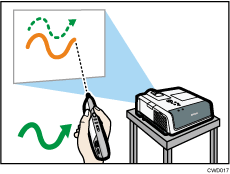

The electronic pen can only be used while the projector is in Interactive Mode. For details about how to configure the projector, see "Setting Up the Product", Read This First
 .
.


