












 Manuals
 Contents
 Previous
 Next
Next


| | | |
| |||
| |||
| | | |
| ManualsContentsPreviousNext | | |
This section describes how to return to the previous setting of Auto Color Calibration.
"Previous Setting" means to return to the previous status before any changes.
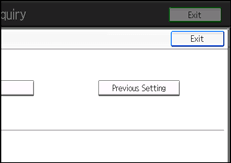
Press [Previous Setting].
Press [Yes].
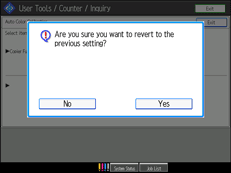
The settings return to the previous contents.
 |
 | Copyright (C) 2010 |
