












 Manuals
 Contents
 Previous
 Next
Next


| | | |
| |||
| |||
| | | |
| ManualsContentsPreviousNext | | |
When copying thin paper originals, select Thin Paper mode.
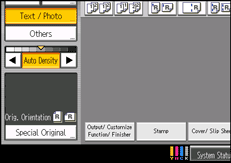
Press [Special Original].
Press [Thin Paper], and then press [OK].
Place the original, and then press the [Start] key.
 |
 | Copyright (C) 2010 |
