












 Contents
 Previous
 Next
Next


| | | |
| |||
| |||
| | | |
| ContentsPreviousNext | | |
Follow the procedure below to remove paper jammed in the rear unit.
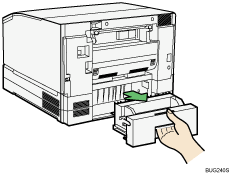
Holding the rear handle, remove each rear unit located behind Tray 2/Tray 3.
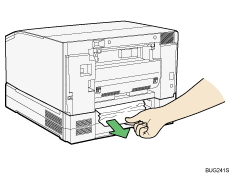
Remove jammed paper.
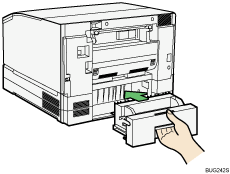
Attach the rear unit.
Printing starts.
Blank paper may be delivered after printing resumes.

 |
 | Copyright (C) 2009 |
