












 Manuals
 Contents
 Previous
 Next
Next


| | | |
| |||
| |||
| | | |
| ManualsContentsPreviousNext | | |
This section describes how to load custom size paper.
Press the [Tray Paper Setting] key.
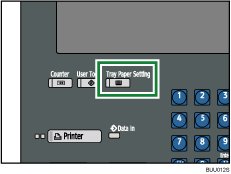
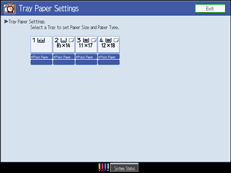
The Tray Paper Settings display appears.
Select the tray number on the screen.
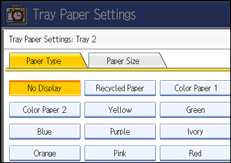
Press [Paper Size] tab.
Press [Custom Size].
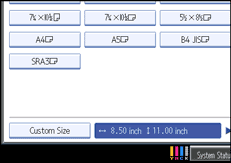
If a custom size is already set, press [Change Size].
Enter the horizontal and vertical size of paper using the number keys, and then press [ ].
].
Press [OK] twice.
Press the [Tray Paper Setting] key.
The initial display is shown.
 |
 | Copyright (C) 2008, 2009 |
