












 Manuals
 Contents
 Previous
 Next
Next


| | | |
| |||
| |||
| | | |
| ManualsContentsPreviousNext | | |
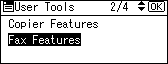
Select [Fax Features] using [ ] or [
 ], and then press the [OK] key.
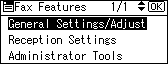
Select [General Settings/Adjust] using [] or [], and then press the [OK] key.
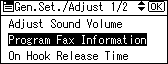
Select [Program Fax Information] using [] or [], and then press the [OK] key.
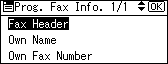
Select fax information you want to delete using [] or [], and then press the [OK] key.
Press the [Clear/Stop] key.
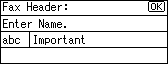
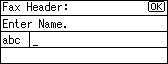
The programmed information is deleted.
Press the [OK] key.
Press the [User Tools/Counter] key.
 |
 | Copyright (C) 2008 |
