




Changing the color balance
Changes the settings stored in color balance programs.
 Adjust the color balance.
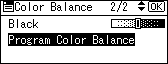
 Select [Program Color Balance] using [
 ] or [
 ], and then press the [OK] key.
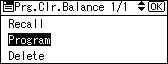
 Select [Program] using [] or [], and then press the [OK] key.
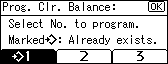
 Select a program number ([1]-[3]) to be changed, and then press the [OK] key.
 Press [Yes].

