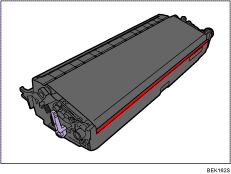



Replacing Maintenance Kit B

Wait at least one hour after power off before replacing parts. Not allowing the printer to cool may result in burns.
The inside of this printer becomes very hot. Do not touch parts labeled "
 " (indicating a hot surface). Touching these parts will result in burns.
Replace the Maintenance Kit B when the following message appears on the display:
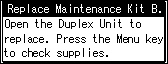
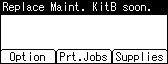
When the following message appears on the display, the Maintenance Kit B should be replaced soon. Prepare a Maintenance Kit B.
The box contains the following parts. Confirm that the contents of the box match the following lists. Check the contents of the box before replacing Maintenance Kit B.
Maintenance Kit SP 8200 B
Replacement Guide
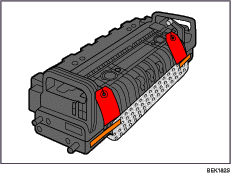
Fusing Unit
Transfer Unit