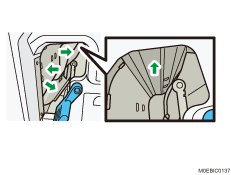
Cleaning the Machine's Trays 1 and 2

For details on removing Trays 1 and 2 and cleaning the paper guide plates, see "151 Tray 1: Paper Path" and "152 Tray 2: Paper Path".
 Pull out Tray 1, and then clean the side fences and end fence.
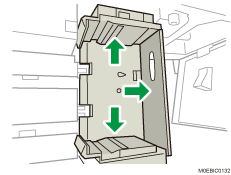
 Pull out Tray 2, and then clean the side fences, end fence, and transparency film sheets.
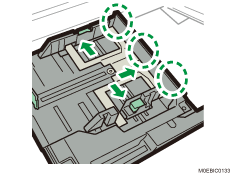
 Remove the 2 screws. Push the tray in while lifting its front part slightly, disengage the lock, and then detach the tray.
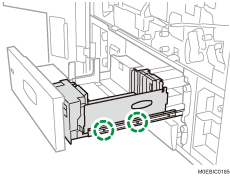
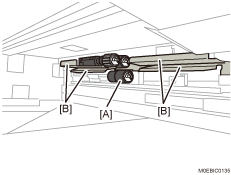
 Clean the pick-up roller [A] and guide plate [B].
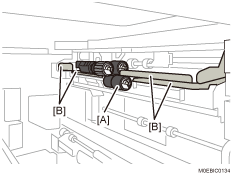
 Lifting Tray 2, remove it, and then clean the pick-up roller [A] and guide plate [B].
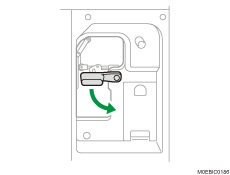
 Lowering the A1 lever, open the vertical transport paper feed guide plates.
 Clean each guide plate.