


Fanning the Paper
 Fan the stack of paper to load.
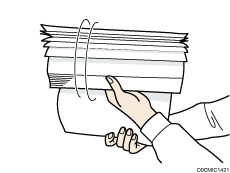
 Holding its shorter ends, flex the stack back and forth to create space between the sheets. Repeat this several times.
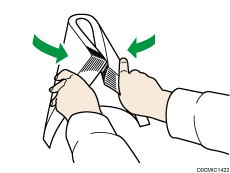
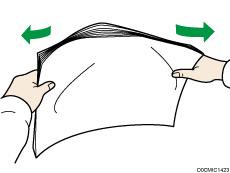
 Make sure there is space between the sheets.
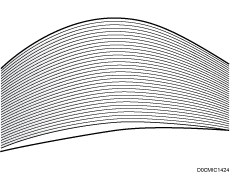
 Hold the stack of paper in both hands and tap the long and short edges of the paper against a flat surface to align them.
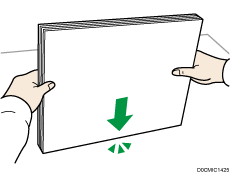

If you cannot fan the paper well by the above method, use the following method.
Hold a side of the paper and riffle it. Be sure to riffle all four sides.
Place the paper on a desk, etc., and hold the edge of the paper to loosen it.