


White spots caused by fingerprints
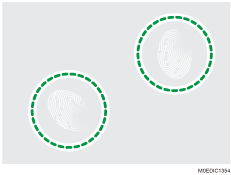
Cause:
Fingerprints stick on paper, which changes the electrical resistance of the paper and the quality of image transfer changes, causing white spots.
Occurrence conditions
Black halftone images (the quality of image transfer is easily changed)
High temperature/humidity environment
Solution:
Wear gloves.
After setting paper on the tray, discard the top and the bottom sheets of the paper.
Do not touch the printed areas when loading the paper.