


Displaying the Printer Status
Check the status of the printer and printed document in the [Home] hub.
 Press the [Home] hub, and check the status of the printer.
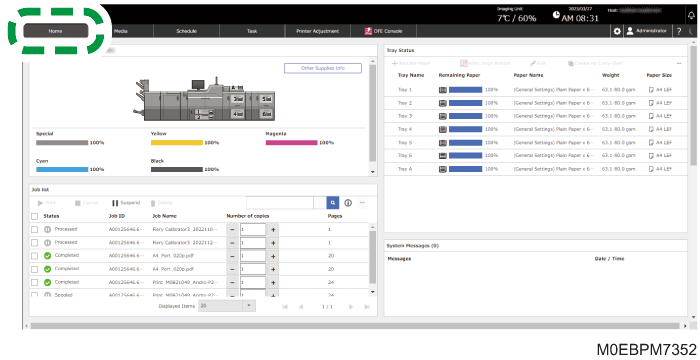
 On the [Job list] tile, check the status of the document waiting to be printed.
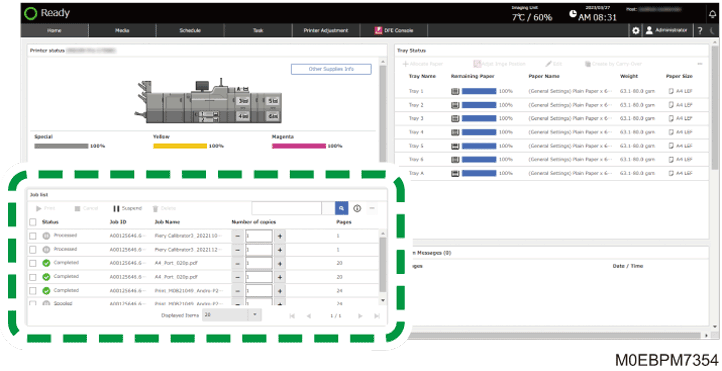
Select a job, and then Cancel, Suspend, or Delete the selected job. You can also change the number of copies to print.