


Printing the Test Chart to Check the Result
Print a test chart to check the image quality or image position.
Printing a test chart
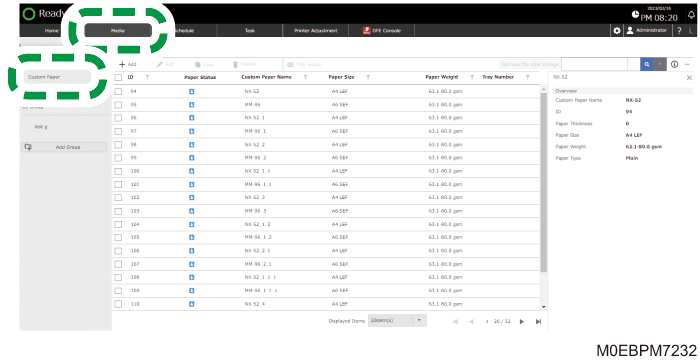
 Press [Media] hub
  [Custom Paper].
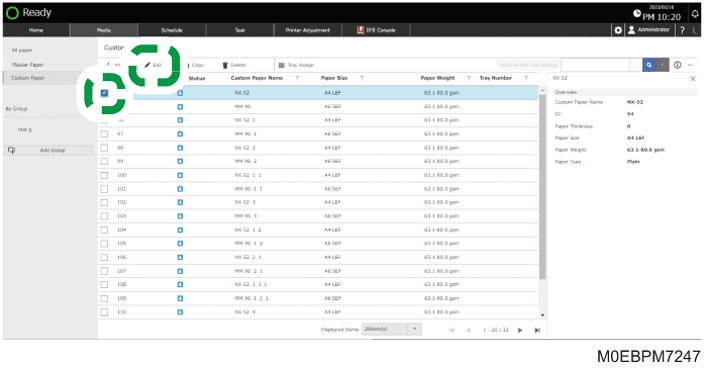
 Select the check box of the paper to print the test chart, and press [Edit].
 Select the check box of the size of the paper to print the test chart, and press [OK].
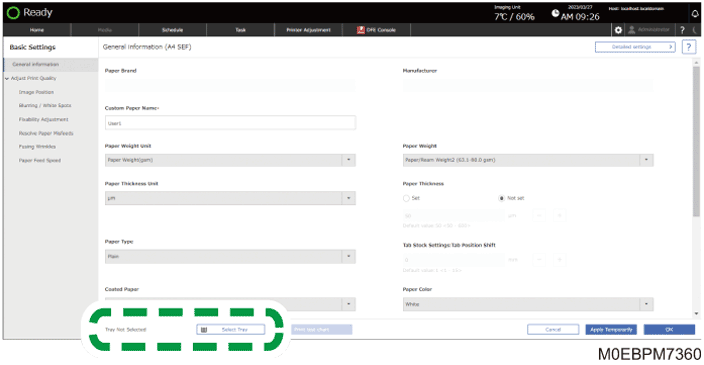
 When "Tray Not Selected" is displayed, specify the tray on which the paper to be used for printing is loaded.
Load the paper to be adjusted onto the tray.
Press [Select Tray].
Select the tray where you loaded the paper, and press [OK].
 Press [Print Test Chart].
 Specify the test chart, and press [Print].
Press [Add] to add a test chart from the USB memory.
The test chart is printed.