


What the Video Indicates
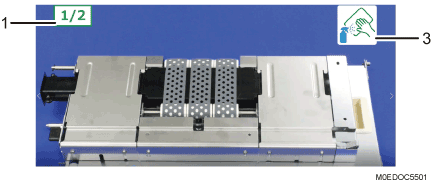
Number of Areas to Clean
You can check the number of areas to clean in the video. This appears if there are multiple areas to clean.
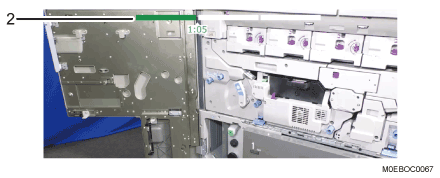
Progress Bar
This is useful when you wish to check only the replacement or cleaning procedure.
This appears only in the videos for procedures with lengthy setup and cleanup.
Cleaning Tool Icon
The icons of the cleaning tools to use appear.
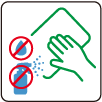
A dry cloth

A cloth dampened with water and wrung well
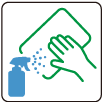
A cloth soaked with a little alcohol

Blower Brush

Optical Cleaning Cloth