


Searching for a Paper by Specifying the Conditions
 Press the [Media] hub
  Advanced search (
 ).
).
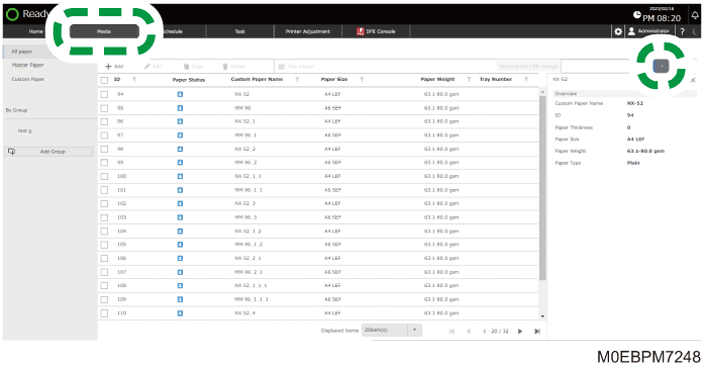
Press [Custom Paper] or Group, and search for an item on each list.
 Specify the search condition, and select its check box.
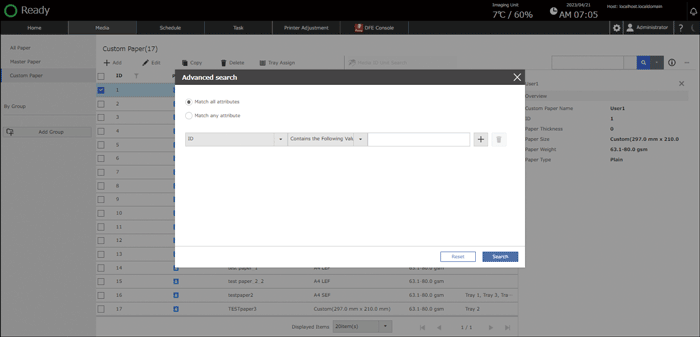
Match all attributes /Match any attribute: Specify whether to search for paper that matches all specified attributes, or matches any of them.
ID: Specify the category to search.
Contains the Following Value/Exact Match with the Following Value: Specify whether to search paper with the setting that contains or match completely with the string entered in the input box.
 Press [Search].
A list of paper that matches the specified search condition is displayed.
The list of all paper appears when you press Advanced Search () [Reset].