


Exporting the Settings of a Custom Paper to a File in CSV Format

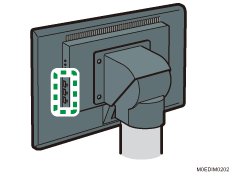
 Insert a USB memory into a USB host interface on the control panel of the machine.
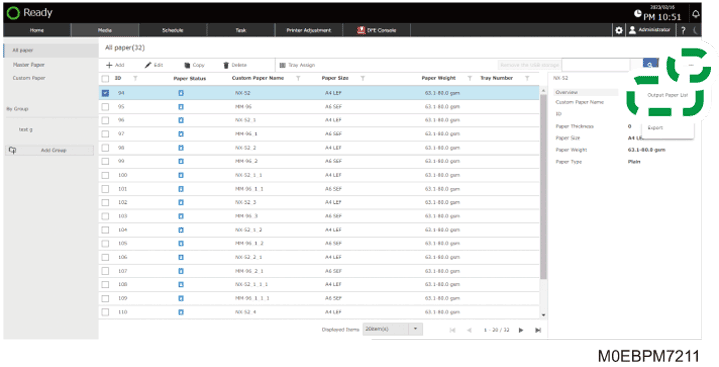
 Press the [Media] hub.
 Select the check box of the paper setting to export the settings.
Press [Custom Paper] or a group to specify the size from each list.
To select all the paper in the list, select the check box in the column title.
 Press [
 ]
]  [Output Paper List].
 Press [OK].
 Specify a folder, and then press [Save].
The exported settings are saved in the file with the name of "printer name+machine ID+exported data.csv".