


Deleting a Custom Paper

You cannot change the settings of the paper that is already assigned to a tray. Assign another paper to the tray on which the paper is assigned. For details, see Changing Tray Paper Settings .
The settings of the paper that is being used on the color controller cannot be changed.
 Press the [Media] hub.
Press [Custom Paper] or Group to delete the item in each list.
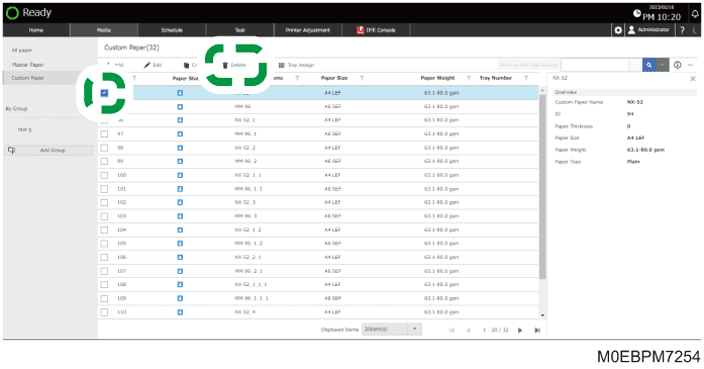
 Select the check box of the paper to delete, and press [Delete].
Select the check box in the column title to select all paper that is displayed in the list.
 Press [OK].
The Custom Paper is deleted.