


Registering a New Custom Paper by Modifying an Existing Paper
You can open and modify the settings of a registered custom paper and register them as a new custom paper.
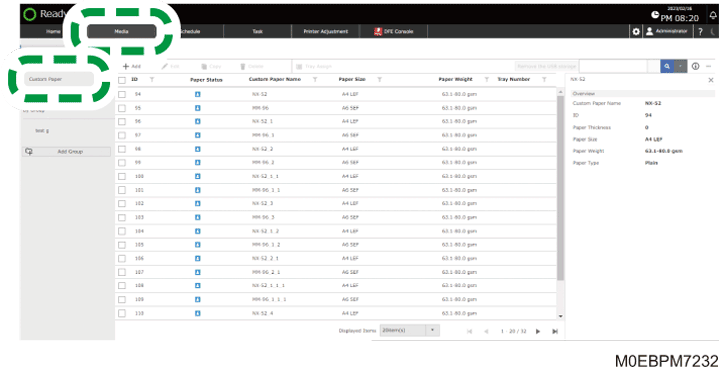
 Press the [Media] hub
  [Custom Paper].
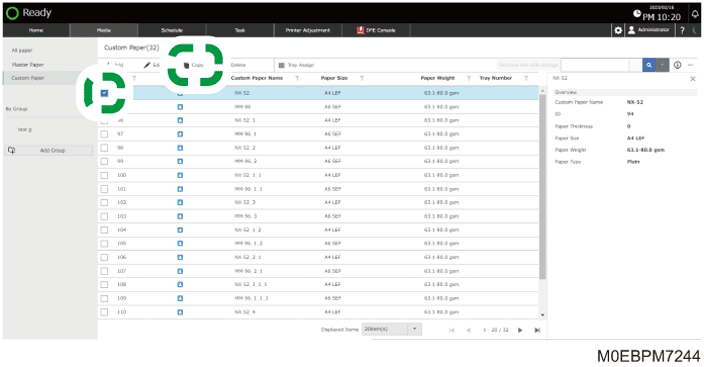
 Select the check box of the paper to copy, and press [Copy].
 Press [OK].
 Select the check box of the paper size to specify, and then press [OK].
To specify all the paper sizes, select the check box of "Size".
When using a paper size that is not in the list, press [Add Size], and add the paper size to use.
 Enter "Custom Paper Name", and then press [OK].
Change the paper information as required.
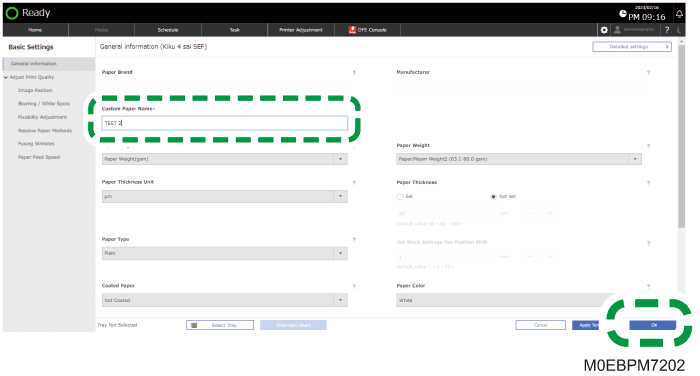
Specify [Glossy] or [Matte] in "Coated Paper" when you are using Coated Paper (Glossy) or Coated Paper (Matte) including Silk, Dull, Satin Coated, and other types of paper.
The paper is registered as a "Custom Paper".