


Registering a Paper Whose Paper Name Is Not Displayed in the Master Paper
If the paper you want is not in the library's paper list or you don't know the name of the paper, use the following procedures:
Selecting the paper's type from the master paper
The master paper contains the optimum printing conditions not only for each commercially available paper but also for each type of paper.
You can select the type of paper from the master paper and register it as a custom paper even if you don't know the name of the paper. The selectable paper types are as follows: Plain Paper, Recycled Paper, Label Paper, Tab Stock, Transparency, Translucent Paper, Envelope, Magnet Paper, Metallic/Pearl Paper, Clear File Folder, Synthetic Paper, Carbonless Paper. Each type is divided into several categories according to weight.
Manually specifying a paper's type and weight
You can register a custom paper by manually specifying its type and weight.
Selecting the paper's type from the master paper
You can select the type of paper from the master paper and register it as a custom paper.
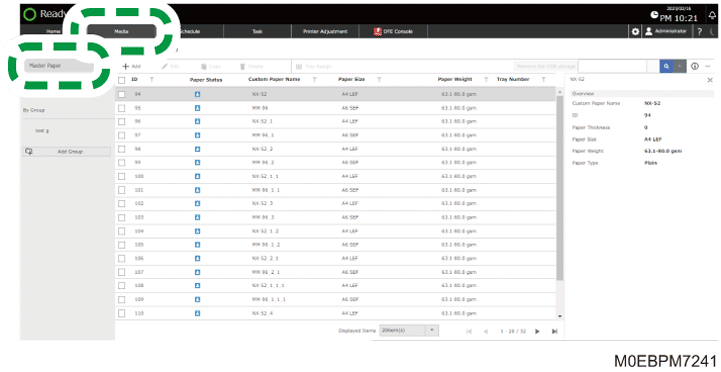
 Press the [Media] hub
  [Master Paper].
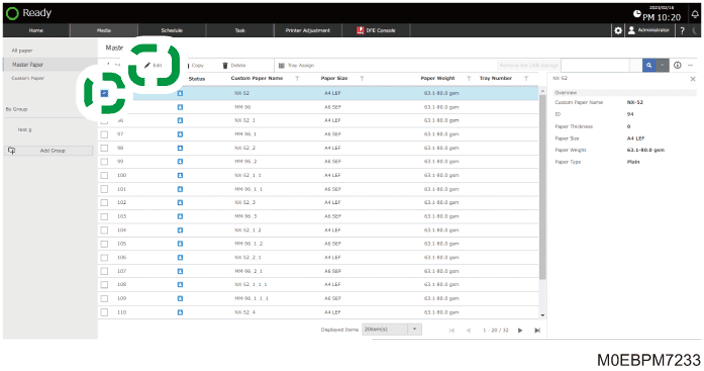
 Select the check boxes of "Paper Weight" and "Paper Type" that match the paper to use as a reference, and then press [Edit].
 Select the check box of the paper size to specify, and then press [OK].
To specify all the paper sizes, select the check box of "Size".
When using a paper size that is not in the list, press [Add Size], and add the paper size to use.
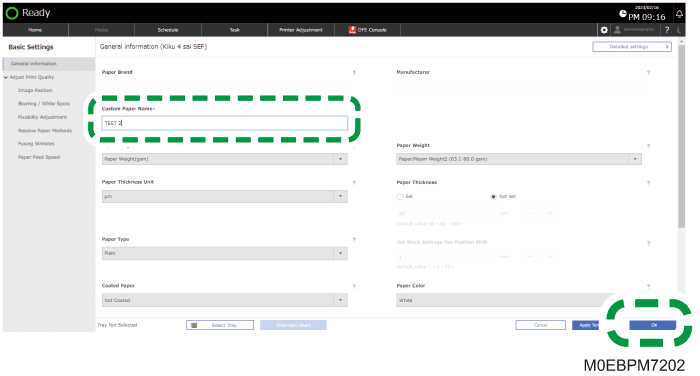
 Enter "Custom Paper Name", and then press [OK].
Change the paper information as required.
The paper is registered as a "Custom Paper".
Manually specifying a paper's type and weight

Select the items that will be applied to the paper for the various settings. If the paper to be used and the settings are different, a paper jam may result.
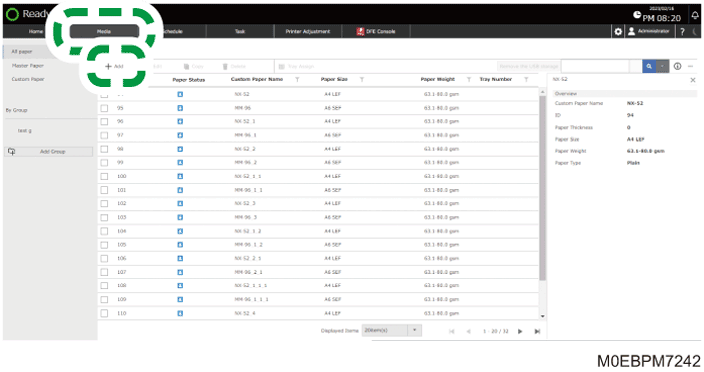
Press the [Media] hub [Add].
Specify "Paper Size", and then press [OK].
Enter "Custom Paper Name", and specify the paper information.
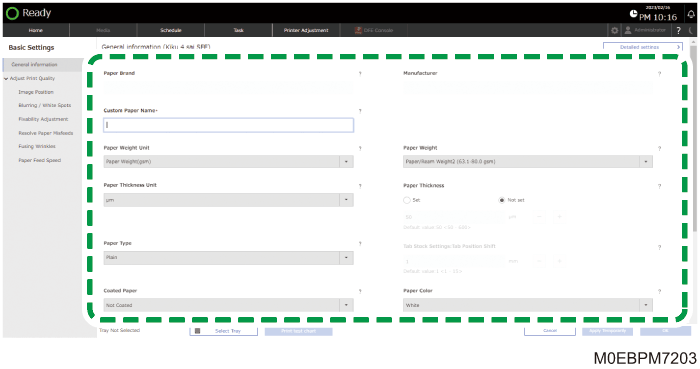
Specify [Glossy] or [Matte] in "Coated Paper" when you are using Coated Paper (Glossy) or Coated Paper (Matte) including Silk, Dull, Satin Coated, and other types of paper.
Press [OK].
The paper is registered as a "Custom Paper".