


Selecting the Paper's Name from the Master Paper
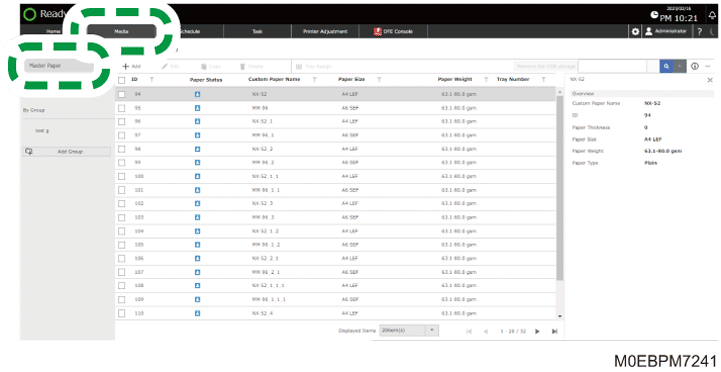
 Press the [Media] hub
  [Master Paper].
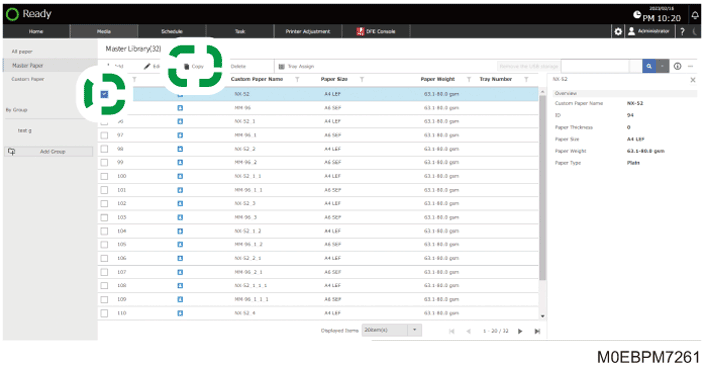
 Select the check box of the paper to register, and then press [Copy].
You can specify more than one paper together at a time.
 Press [OK].
The paper is registered as a "Custom Paper".