


Checking the Counter of the Machine for Each Color Category
The value of the counter increases by one for each single printed surface. When duplex printing is performed, the counter increases by two. When you output on paper whose width is 488 mm (19.2 inches) or more (max: 700.0 mm, 27.6 inches), the counter is incremented by "1".
There are three types of counters for each color category as follows:
Color Total
Black & White Total
Special Color Total
Confirming the Counter
 Press [
 ].
].
 Press [Printer Settings]
 [Counter].
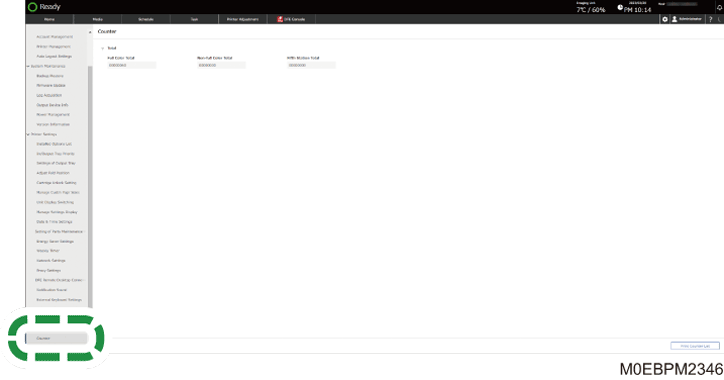
 Check the counter.
To print the counter value, press [Print Counter List].