


Connecting to the Fiery Controller Remotely from the Control Panel
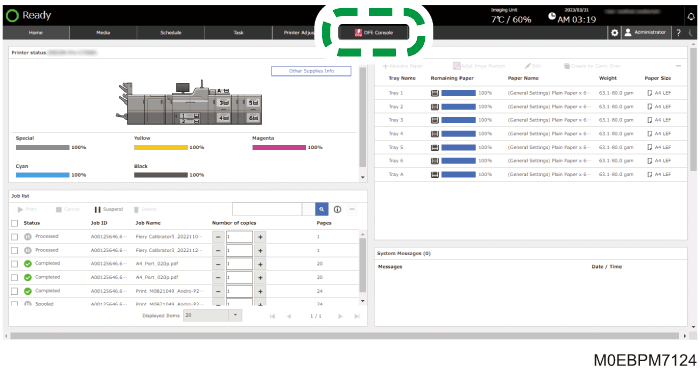
Press the [ DFE Console] button on the navigation bar to display the screen for the Fiery controller that is connected to the network on the control panel of the machine. On the control panel of the machine, you can operate the Command WorkStation and perform other actions.
To display the [
DFE Console] hub, press [ ], and then enter the User Name and Password in [Printer Settings]
 [DFE Remote Desktop Connection Settings].
 Press the [ DFE Console].
 Press
Press  (Fiery Command Workstation) on the Fiery Controller screen.
Command WorkStation starts up.
For details about the operations of Command WorkStation, see the manual of Command Workstation.
 When you are finished operating in Command Workstation, press [X] in the upper right corner of the screen to return to the control panel screen of the machine.

When you are using Command Workstation while an external keyboard is not connected to the control panel of the machine, press
 in the lower right of the screen to display the software keyboard.