Browsing the Manual and Help
The machine has a built-in manual/help function. You can display the manual and help on the control panel of the machine, and browse the description of the functions and the information on the operation of the machine.
There are two types of help function that are available on the machine as follows:
HTML manual of the machine
Help on each screen or setting item

When viewing Help from a client computer, check that JavaScript is enabled in the setting menu of the web browser.
Displaying the HTML Help
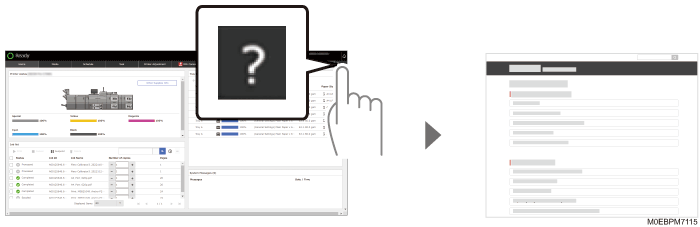
To view the HTML manual of the machine, press  on the navigation bar
  [Help]. You can read the description of the machine functions and how to operate them.
Displaying Help on Each Screen or Setting Item
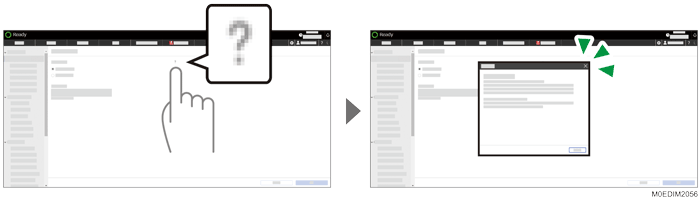
Press the Help icon ( ,
,  , or
, or  ) on the screen or next to a setting item to display the help content that corresponds to the screen or item. You can configure or operate the screen or item as you read the help.