Printing the Configuration Page
You can print the configuration information of the machine using the control panel.
-
The paper is fed from the tray in which A4 (or 81/2 × 11) plain paper / recycled paper is set.
-
If the specified paper is not set in the tray, the paper is fed from the tray specified by [Tray/Paper Settings]
 [Paper Tray Priority] [Paper Tray Priority: Printer].
-
Log in to the machine as the machine administrator on the control panel.
Logging in to the Machine as an Administrator
When custom-privileges administrators are registered, you can log in to the machine as a custom-privileges administrator with the Printer Settings privilege as well.
Logging in to the Machine as a Custom-Privileges Administrator -
On the Home screen, press [Settings].

-
Press [Printer Settings].

-
Press [List/Test Print]
[Machine Information] [Configuration Page]. -
Press [Start].
-
After completing the print, press [Home] (
 ), and then log out of the machine.
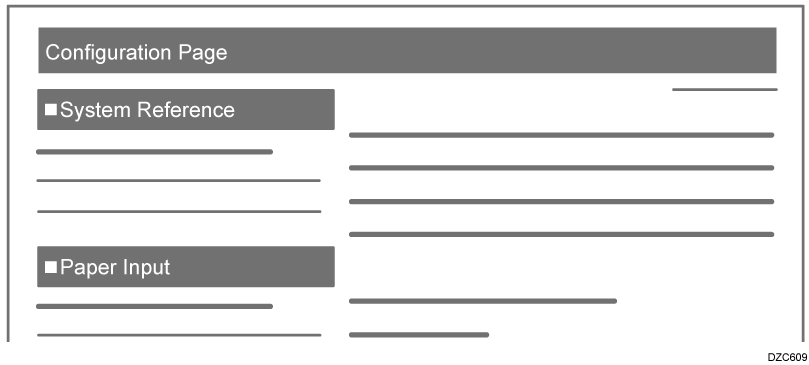
On the configuration page, the machine's device information, tray paper settings, [Printer Settings], network configuration information will be printed.
-
System Reference
The firmware version, counter information, memory capacity, and name of the installed external units are printed. -
Paper Input
The paper tray to be used first, the type and size of the paper set in the paper tray, and other information are printed.

-
Other than the functions mentioned above, the settings of the [Printer Settings] and network configuration information are printed.