
Procedure for encrypting PDF files (classic)
Set a document password to protect and encrypt a PDF file. A document password cannot be the same as the master password.
Only users who have the password can open and decrypt the PDF file.

Encryption is possible only for scan files that are sent by e-mail or Scan to Folder and saved on a memory storage device.
You cannot open an encrypted file without a document password. Make sure you do not forget the file's password.
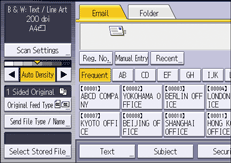
 Press [Send File Type / Name].
 Press [PDF].
If necessary, select [High Compression PDF].
 Press [Security Settings].
 Make sure that the [Encryption] tab is selected.
 In [Encrypt Document], press [On].
 Press [Enter].
 Enter a password, and then press [OK].
Document passwords can contain up to 32 characters.
The password entered here will be required to open the PDF file.
 Enter the password again to confirm it, and then press [OK].
 In [Encryption Level], select [40 bit RC4], [128 bit RC4], [128 bit AES] or [256 bit AES].
 Press [OK] twice.

If [Low Resolution Only] is selected as the print permission, you cannot select [40 bit RC4] as the PDF encryption level.