
Searching for a destination client computer
Use the following procedure to search for a destination client computer and select it.
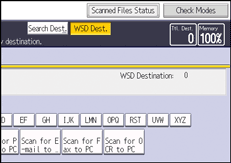
 Press [Search Dest.].
 Press [Name].
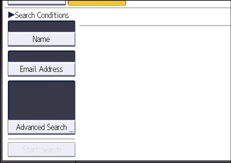
You can specify up to three character strings when searching a destination by its name. The third string can be specified by pressing [Advanced Search].
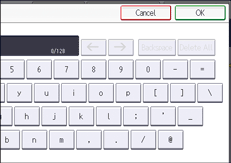
 Enter the search characters, and then press [OK].
 If necessary, press [Advanced Search] to specify the detailed search criteria, and then press [OK].
By pressing [Advanced Search], you can search by [Name]. You can specify search criteria such as [Beginning Word] or [End Word]. You can refine your search using multiple criteria.
 Press [Start Search].
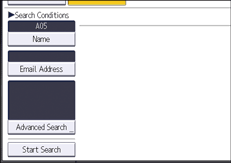
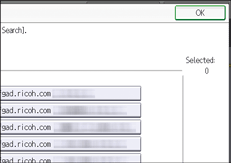
 Select a destination, and then press [OK].

Search targets are computer names.
Up to 100 destinations can be displayed as search results.