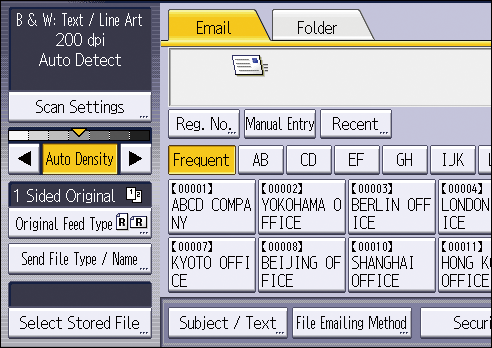
Procedure for two-sided original Multiple Originals Containing One-sided and Two-sided Pages Procedure for Book Type Original Scanning each page of a book type original as a single page. Press [Original Feed Type]. In [Original Settings], press [Book Type Original]. Press [OK]. Place the original on the exposure glass. The ADF cannot be used.