


 Previous
To use the Adjustment Settings for Skilled Operators, you must first configure your machine's Administrator Authentication Management setting.
 Display the initial settings screen.
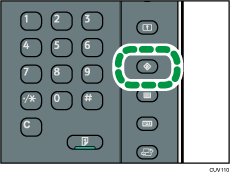
When using the standard operation panel
Press the [User Tools] key.
When using the Smart Operation Panel (For mainly Europe and North America)
Press [Home] (
 ) at the bottom of the screen in the center.
Press the [User Tools] icon (
 ) on the [Home] screen.
Press [Machine Features].
 Press [System Settings].
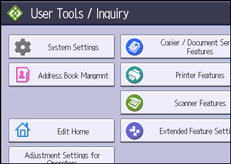
 Press [Administrator Tools].
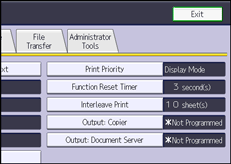
 Press [
 Next].
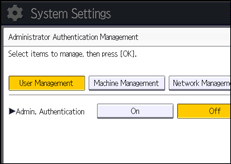
 Press [Administrator Authentication Management].
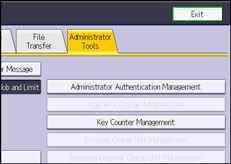
 Press [Machine Management].
 Select [On] for "Admin. Authentication".
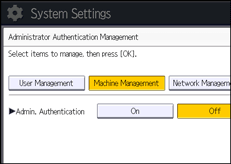
 Press [OK].
 Press [Exit].
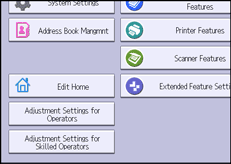
The [Adjustment Settings for Skilled Operators] button appears.