




 Previous
 Select Sort and any other necessary functions, and then place the originals.
 Enter the number of copy sets with the number keys.
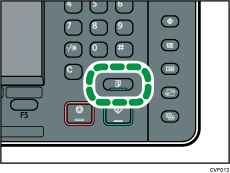
 Press the [Sample Copy] key.
 If the sample is acceptable, press [Continue].
The number of copies made is the number specified, minus one for the proof copy.

If you press [Suspend] after checking the results, you can change the copy settings. However, depending on the combination of functions, you may not be able to change some settings.


