




 Previous
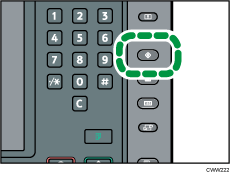
 Press the [User Tools] key.
 Press [Edit Home].
 Press [Move Icon].
 Select an icon that you want to move.
 Specify the position where [Blank] is displayed.
 Press the [User Tools] key.

Press [
 ] on the upper-right corner of the screen to check the position on the simple screen.


