




 Previous
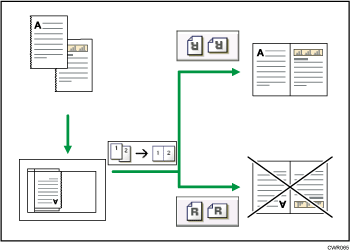
This function rotates the copy image by 180 degrees ( or
or  ).
).
This is useful for copying torn originals. For example, if the left side of the original is damaged and is difficult to set, position it as shown below.
 Press [Reverse Orientation].
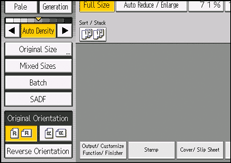
 Select the original orientation.

It is recommended that you use this function together with the Auto Paper Select or Auto Reduce / Enlarge function.
Copy results may differ depending on the combination of selected functions.


