




 Previous
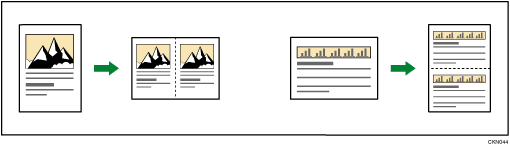
One original image is copied twice on one sheet.

You cannot use the paper bypass location with this function.
 When Using the Copy Application
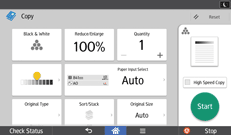
About how to use the application's screen, see "[Copy] Screen".
 When Using the Copier (Classic) Application
 Press [Edit / Color].
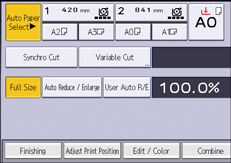
 Press [Edit Image].
 Press [Double Copies].
 Press [OK].
 Select the paper size.

To make full size copies using this function, the machine must be loaded with copy paper that is twice as large as the original. When using the reduce/enlarge function, consider the reduce/enlarge ratio when selecting the paper size.
You can change the settings for Double Copies under [Edit] in User Tools. For details, see Edit.


