




 Previous
 Press [TX/RX Status / Print].
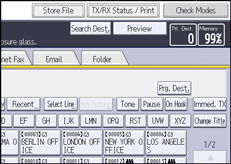
Press [Check / Stop Transmission File].
 Select a file whose SMTP server setting you want to change.
 Press [Check / Change Settings].
 Press [Change].
 Press [SMTP].
 Select [Yes] or [No], and then press [OK].
 Press [OK].
 Press [Exit].
Repeat from Step 3 to change the SMTP server settings of other recipients.
 Press [Exit] twice.


