




 Previous
 Press [TX/RX Status / Print].
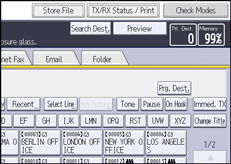
Press [Check / Stop Transmission File].
 Select the file for which you want to change or cancel the transmission time.
 Press [Check / Change Settings].
 Press [Change TX Time].
If you press [Transmit Now], the file is transmitted immediately. However, if there is a file on standby, that file is sent first.
 Press [Change], re-enter the transmission time, and then press [
 ].
].
 (mainly Europe and Asia)
Enter the transmission time using the number keys.
 (mainly North America)
Enter the transmission time using the number keys, and then select [AM] or [PM].
 Press [OK].
 Press [Exit].
Repeat from Step 3, if you want to change another transmission time.
 Press [Exit] twice.


