




 Previous
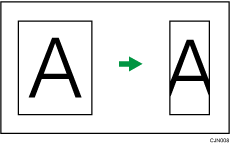
If the width of the paper that can be received at the destination is smaller than the size of the original you are sending, the document is automatically reduced to fit on the paper available at the other end.
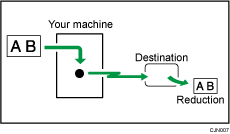

If you turn this function off, the scale of the original is maintained and some parts of the image may be deleted when printed at the other end.
 When Using the Fax Application
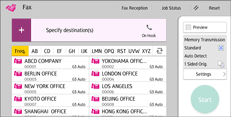
About how to use the application's screen, see "[Fax] Screen", Getting Started.
 When Using the Fax (Classic) Application
For details about how to use the classic fax function, see Procedure for Auto Reduce (Classic).


