




 Previous
 Press [Original Settings].
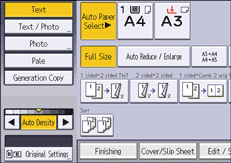
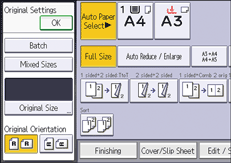
 Press [Original Size].
 Specify the original size, and then press [OK].
 Select the original orientation, and then press [OK].
 Press [Dup./Combine/Series].
 Press [Series/Poster].
 Select [2 Sided
  1 Sided], and then press [OK].

If you specified [2 Sided
1 Sided], you can specify the orientation. For details, see Specifying the Original and Copy Orientation.


