


 Previous
 Pulling out the cut paper tray.
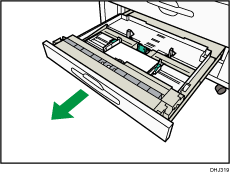
 Remove paper if loaded.
 Release the side lever to the unlocked position.
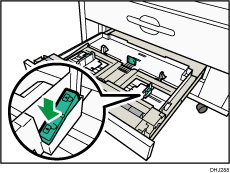
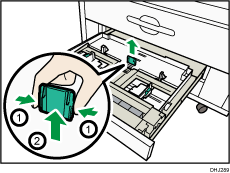
 While pressing its sides, pull out the back fence.
 Load paper print face down.
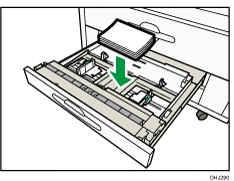
 While pressing the release lever, adjust the side fences to the paper size.
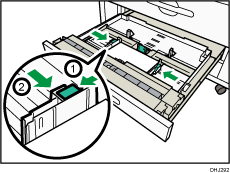
 Lock the side lever.
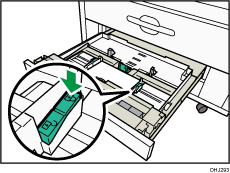
 Close the paper tray.


