


 Previous
In the following procedure, the [Check Status] screen is used to delete jobs.
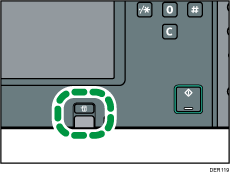
 Press the [Check Status] key.
 Press the [Current Job] tab.
 Select [Printer] or [Others].
 Select the job you want to delete.
To delete two or more print jobs, select them.
 Press [Delete Reservation].
 Press [OK].
 Press [Exit].


